Your whole business on one screen.
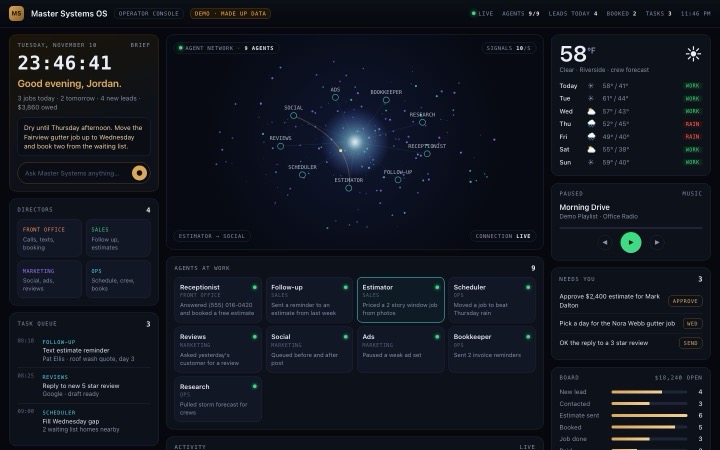
One screen for your whole business: your AI agents at work, leads, jobs, money, weather and inbox, live. You can talk to it.
Your whole business, alive on one screen.
Jobs, leads, money, weather, inbox and every AI agent you run. Scroll to walk through it.
Tap the Ask box to hear the voice assistant, and approve something under Needs you.
Built around how you run the day.
Pick the panels you check every morning. We add what your business needs and leave out the rest.
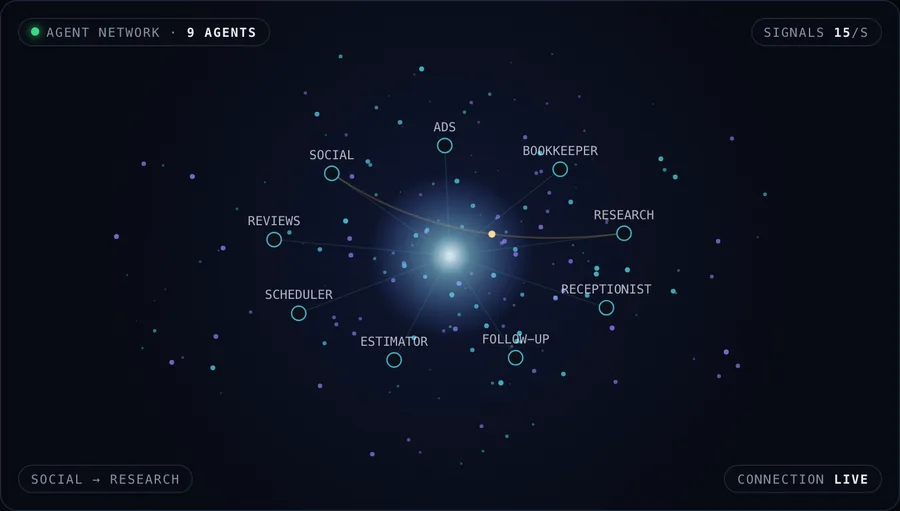
Watch your agents work
Every agent as a point of light. When one hands a job to another, you see it travel.
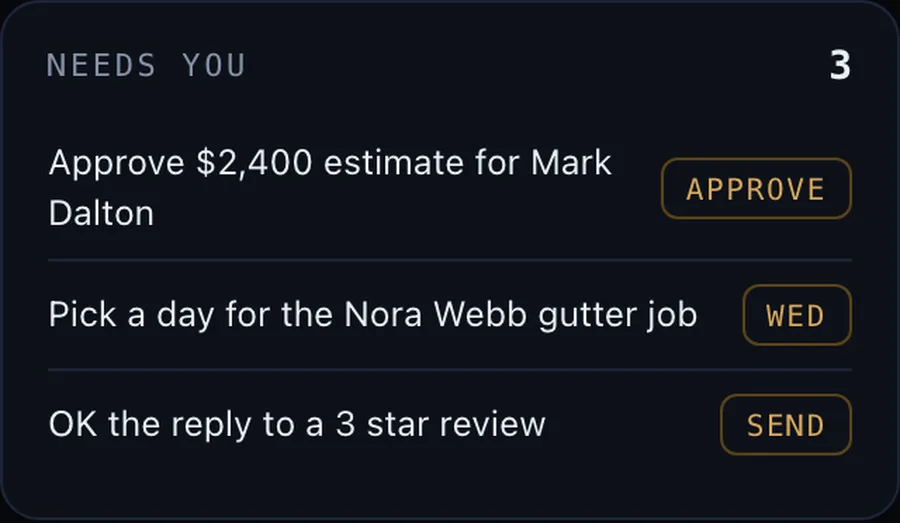
Needs you
The few things that wait on your yes, with one tap to approve.
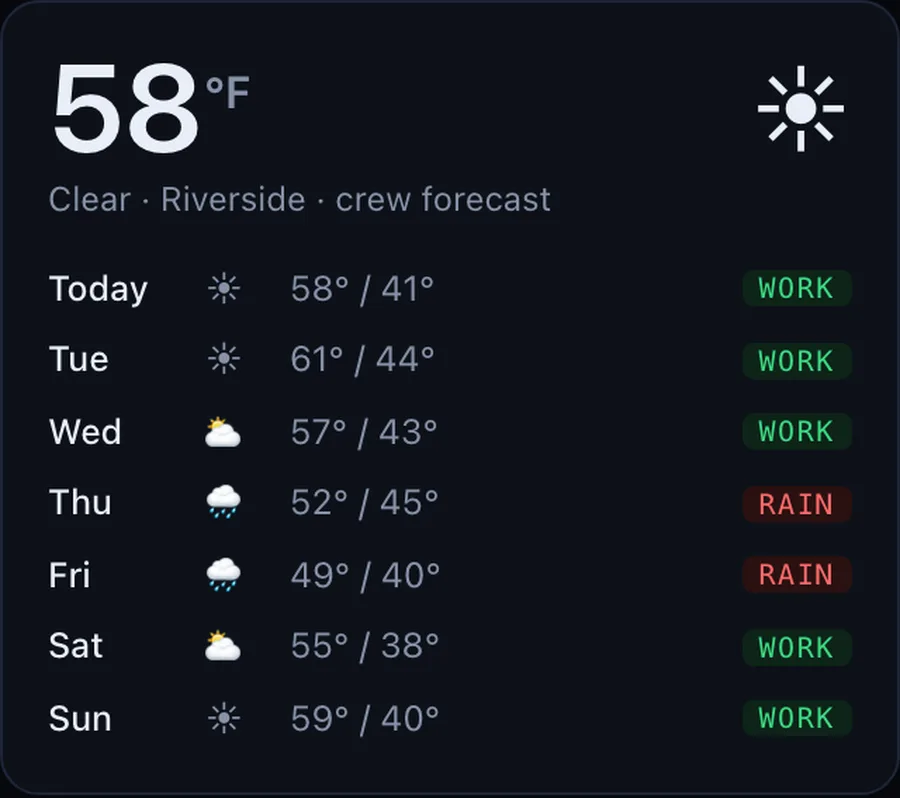
Weather and crews
A week of forecast lined up against the schedule, so rain days move early.
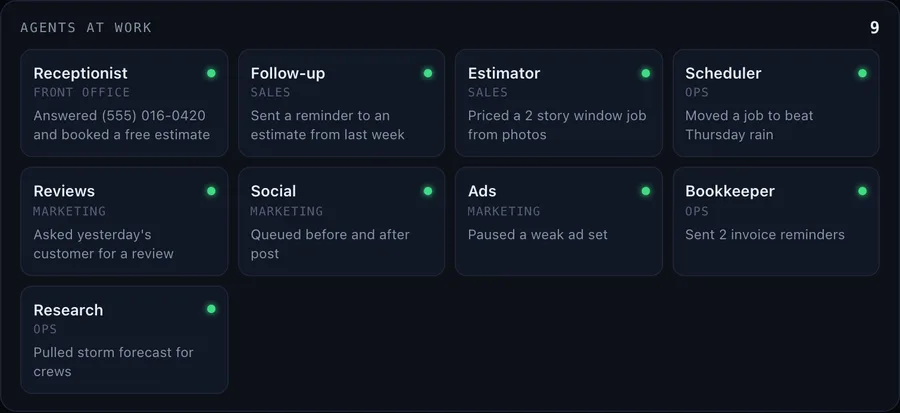
Agents at work
Every AI agent you run, what it just did and who it handed work to next.
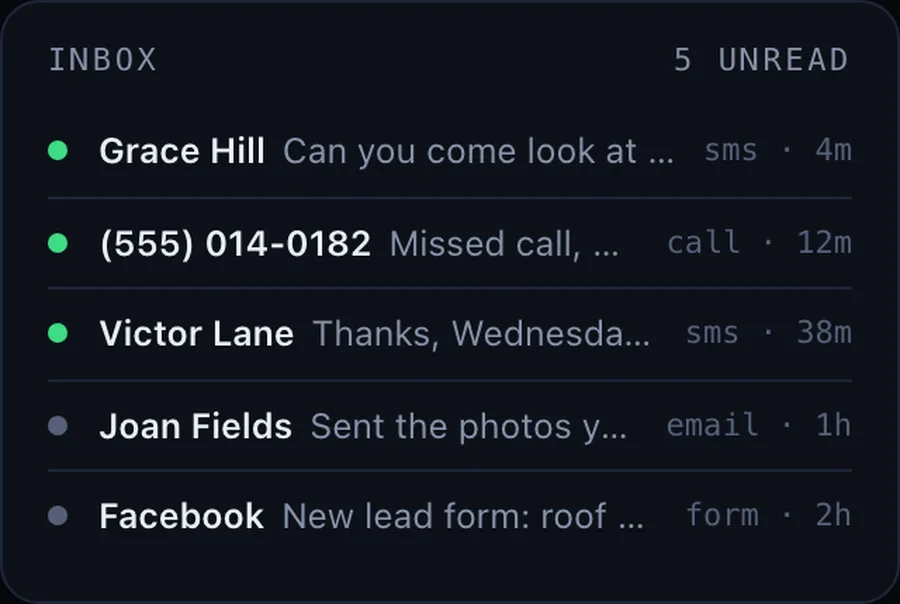
One inbox
Texts, calls, emails and form leads land in one inbox, answered or flagged.
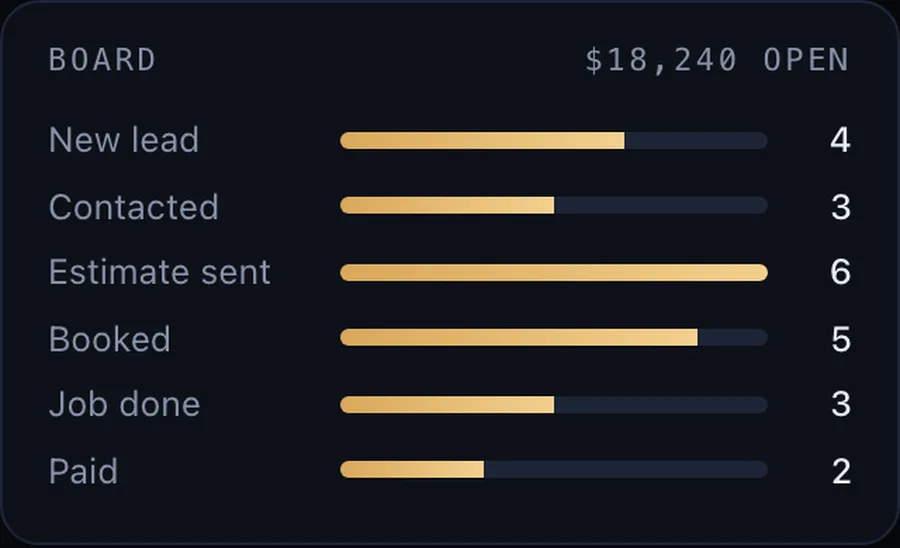
Board and money
Every lead from first call to paid, and what is still owed.
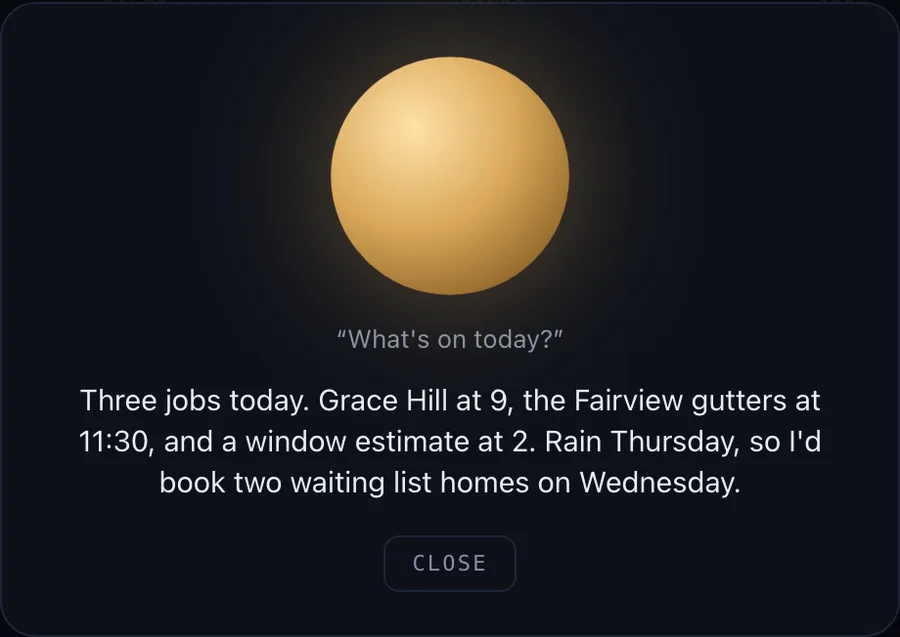
Voice assistant
Ask what is on today or who needs a call back, and hear the answer.
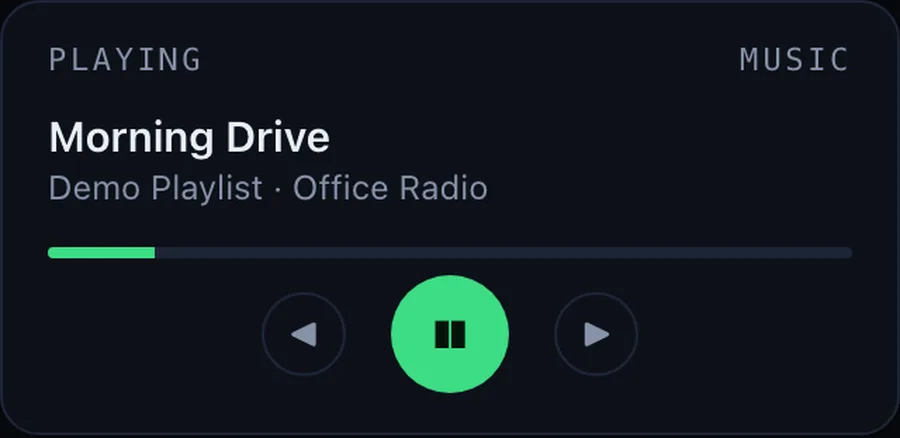
Music
Your playlist on the same screen, because the office runs on it.
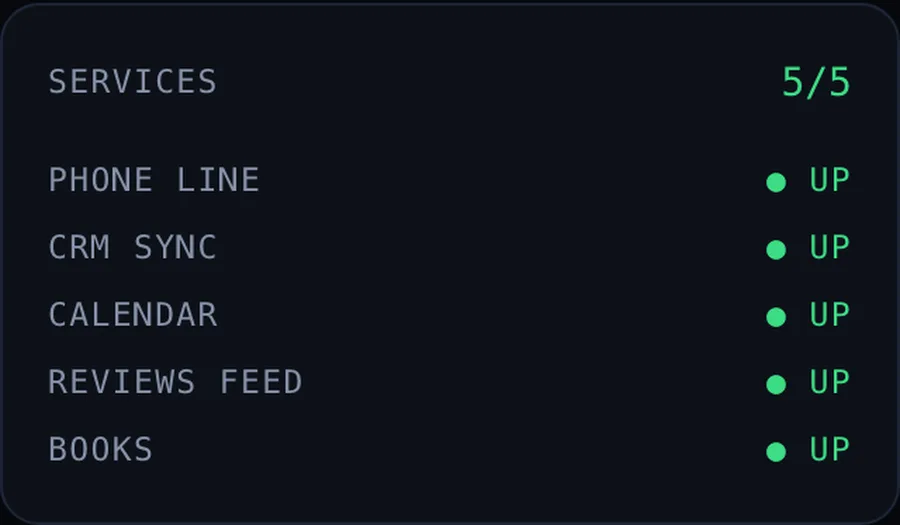
Health checks
Phone line, CRM, calendar and books, with a light that turns red if one drops.
Your screen, connected to your tools.
It pairs with Custom AI agents: the agents do the work, your OS shows it.
- 01
Map your day
A call about how you run the business: the tools you use, the numbers you check and the calls you make.
- 02
Connect your tools
We hook your OS to your CRM, phone, calendar, inbox and books, so every number comes from the real source.
- 03
Build your screen
Laid out around your day, in your brand. You review it as it comes together.
- 04
Agents report in
Your AI agents post what they did and hand you only what needs a person.
Want a screen like this for your business?
Tell us what you check every day and we will show you what yours could look like.